How do I set a time frame to refresh the existing Clearbit data in Zoho SalesIQ?
- In Settings > Integrations > Clearbit - Reveal, scroll down until last.
- In Advanced Configuration, choose the frequency you would like to set to refresh the data (Weekly, every 30 days, every 90 days.)
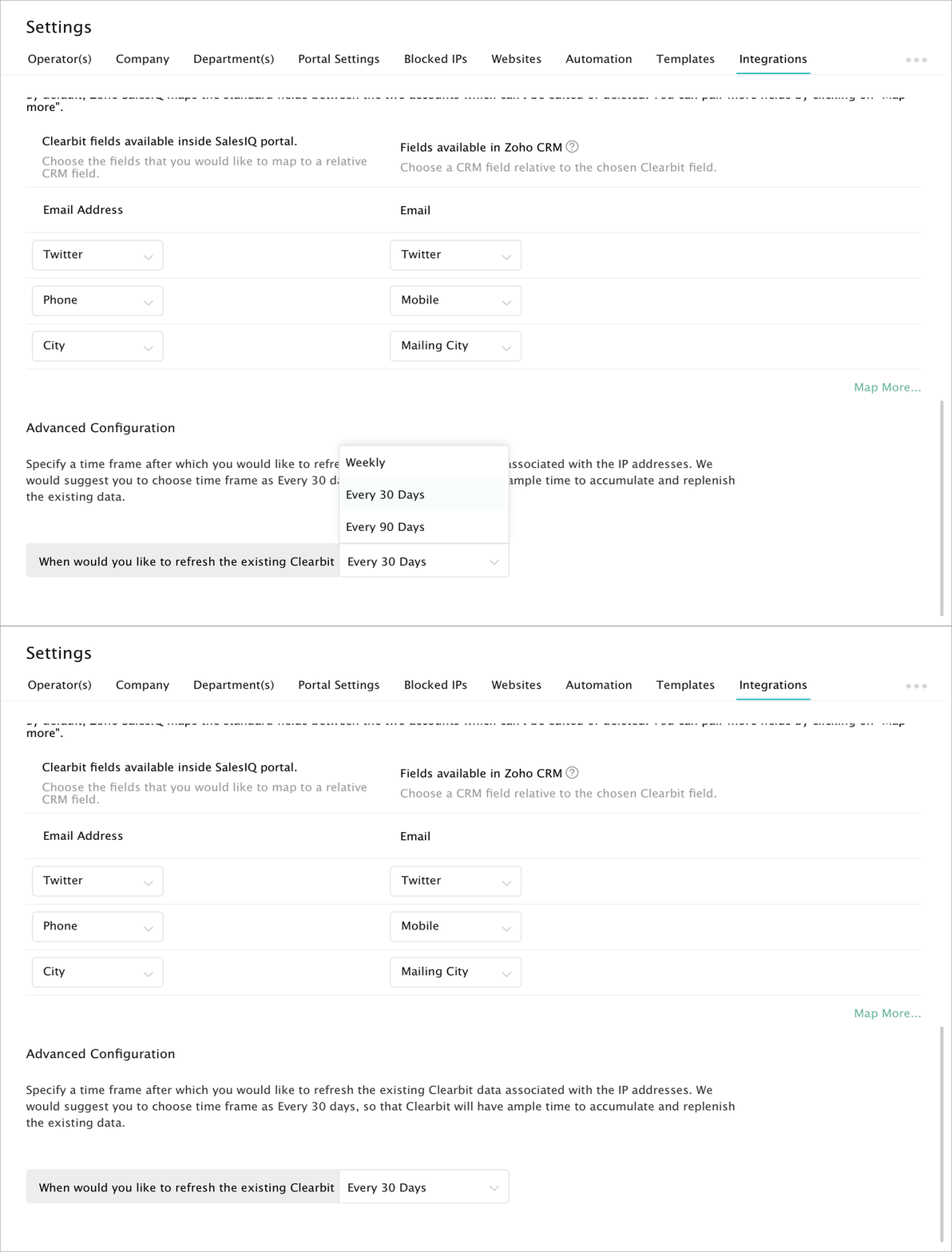

- We would recommend you to set the refresh period as 30 days.
- If the company/visitor data is edited/deleted in Clearbit it will reflect in Zoho SalesIQ while refreshing.
- If the data is deleted in clearbit, then the existing data will appear only in the visitor history section until the next visit of the visitor.